October 2026 · 5 min read
How to Turn Your Artwork into Kaleidoscope Patterns
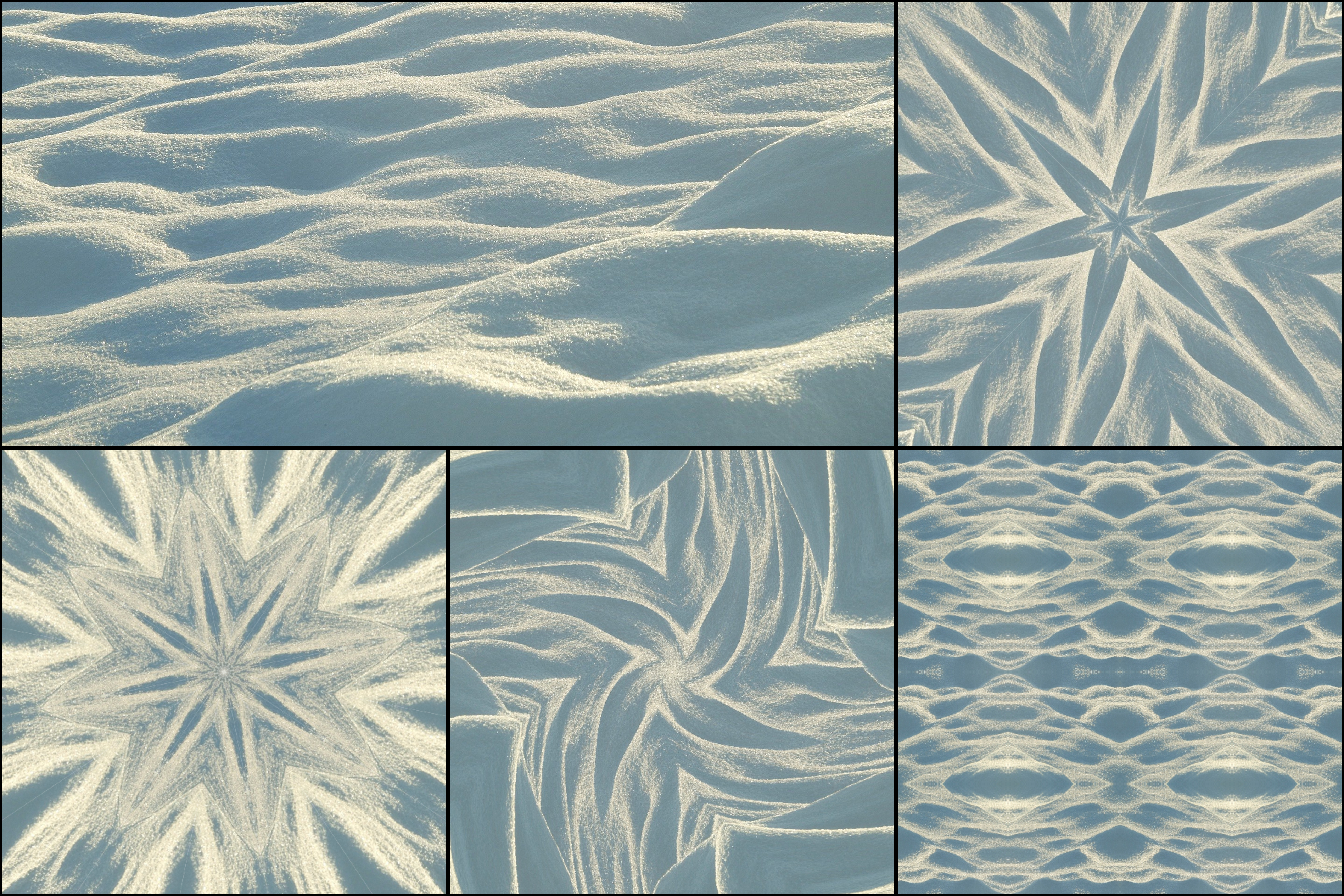
If you draw, paint, or illustrate, you already have the best possible source material for kaleidoscope art: your own work. Running a finished piece through a kaleidoscope effect turns one artwork into many new designs, from mandalas to repeating patterns to looping animations, while keeping your colors, line work, and style.
This guide shows how to turn your artwork into kaleidoscope patterns with KaleidoMaker, which kinds of artwork work best, and what you can do with the results.
Why artists use kaleidoscope effects
A kaleidoscope reflects one part of an image around a center point (see the science behind kaleidoscope symmetry). Because the pattern is built entirely from your artwork, the result still looks like your work, just rearranged into symmetry.
That makes it useful in a few ways. You get fresh content from pieces you have already finished. You discover unexpected compositions and color combinations that can inspire new pieces. And you can turn a single illustration into a set of related designs for prints, merchandise, or social media.
Step 1: Prepare your artwork
Use the best version of the file you have. For traditional work like paintings, ink drawings, or watercolors, scan the piece or photograph it in even daylight, without glare or shadows. For digital work, export a full-resolution PNG or JPG. Vector illustrations can be uploaded as SVG files, which stay sharp because KaleidoMaker draws them at full resolution.
Crop away table edges, tape, or blank paper around the artwork. Anything left in the image will be mirrored into the pattern.
Step 2: Upload it to KaleidoMaker
Open KaleidoMaker, choose Image, and upload your file. Everything is processed in your browser, so your artwork is not uploaded to our servers.
Step 3: Pick a pattern that suits your style
Each pattern brings out something different in your artwork.
Fan is the classic kaleidoscope and works well for florals, organic shapes, and loose painted textures. Use 8 to 16 slices for a mandala-like result.
Spiral adds a swirling twist and suits flowing line work, hair, water, and anything with movement.
Circle builds concentric rings and is a good fit for bold graphic illustrations with strong blocks of color.
Grid and Hex mirror your artwork into tiles. This is the quickest way to turn an illustration into a repeating pattern for wrapping paper, fabric mockups, or backgrounds.
Mirror reflects the image left to right. It is a subtle option for character art and portraits when you want symmetry without abstraction.
Step 4: Find the best part of your artwork
The kaleidoscope uses one area of your image, so where you place it matters. Drag on the canvas to move around the artwork, and pinch or scroll to zoom. Small details often make the strongest patterns: a single petal, a patch of brush texture, or the edge where two colors meet. Double-click the canvas to reset the view.
Step 5: Export a still image or a loop
Choose Photo to download a PNG of the pattern. Photo exports are always free and have no watermark.
To bring a static piece to life, choose Loop. Turn on Rotate, Pan, or Zoom, pick a length from 2 to 8 seconds, and export a seamless animation. Loops are free to export with a small watermark, and Creator Mode removes the watermark.
Choose the canvas shape to match where the work will be shown: Square for Instagram posts, Circle for a classic mandala, and 16:9 for YouTube, banners, and desktop wallpapers.
What kind of artwork works best
Artwork with rich color, texture, and detail usually produces the most interesting patterns. Busy, detailed areas become intricate designs, while large flat areas of a single color can look empty once mirrored.
Strong line work and high contrast keep the pattern readable at higher slice counts. Pieces with a limited, harmonious palette tend to produce calm, cohesive patterns, while multicolored pieces feel energetic. Abstract work and textured backgrounds are often surprisingly good sources, because there is no subject to distort.
Ideas for using your kaleidoscope artwork
Post a looping version of a finished piece next to the original to show another side of your work. Kaleidoscope loops are especially eye-catching on Instagram and TikTok.
Use repeating Grid or Hex patterns as backgrounds for your portfolio, packaging, or print designs. See kaleidoscope art in graphic design for more ideas.
Make a series of wallpapers from one illustration and share them with your followers.
Keep the most surprising compositions as references or starting points for new pieces.
Your artwork, your rights
The patterns are made entirely from your own artwork, and you keep full rights to everything you create with KaleidoMaker. Just make sure you only upload artwork you created or have permission to use.
Try KaleidoMaker
Create your own kaleidoscope patterns for free, no signup required.
Open KaleidoMaker →