April 2026 · 5 min read
How to Make Kaleidoscope Videos for Instagram and TikTok
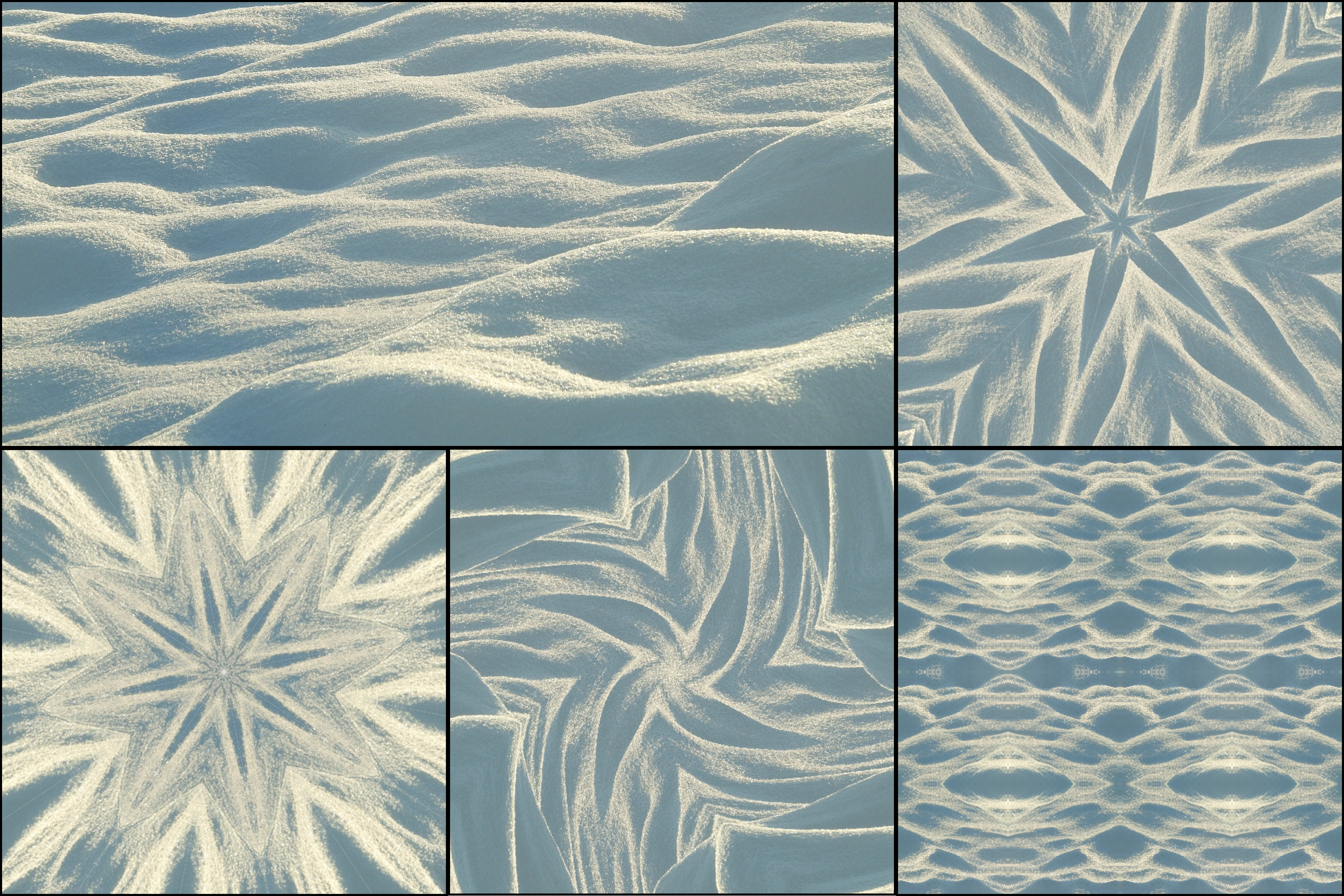
Kaleidoscope videos are one of the most visually striking types of content you can post on Instagram Reels and TikTok. Symmetrical, looping, hypnotic — they stop the scroll. Here is how to make them using KaleidoMaker, directly in your browser.
Why kaleidoscope content performs on social media
Repetitive symmetry triggers a strong visual response that makes people pause. Kaleidoscope videos feel both artistic and satisfying, which drives saves and shares more than typical content. They work especially well as ambient background visuals, art posts, or overlays for music.
On TikTok, looping kaleidoscope videos fit naturally into the aesthetic and satisfying video niches. On Instagram, they work as Reels, Stories, or even profile grid content for a cohesive visual identity.
Step 1: Choose your source material
The source image or camera feed determines the final result. For video content you have two options.
Turn any photo into kaleidoscope art and use it as the basis for a looping kaleidoscope animation. High-contrast images with bold colors or interesting textures work best — flowers, fabric, architecture, food close-ups.
Alternatively, use kaleidoscope camera mode on mobile to create a live kaleidoscope effect in real time. Walk slowly around your space pointing the camera at lights, plants, fabric, or any interesting surface. This produces genuinely dynamic and unique video material.
Step 2: Adjust your settings
Once your source is loaded in KaleidoMaker, try different pattern modes and slice counts. For social media: Fan mode with 8–12 slices creates classic mandala-style patterns. Grid mode creates a tiled, repeating effect. Hexagon mode creates honeycomb compositions. Higher slice counts create denser, more intricate looks. Lower counts feel bolder and more graphic.
Pan the canvas to find the most interesting composition within your source image.
Step 3: Export the video
Switch to Video mode in the Capture panel and press record. KaleidoMaker records the live animation directly in your browser. Free users can export videos with a small watermark. Premium users unlock watermark-free exports at higher quality — essential if you are posting professionally or running a creative brand account.
Tips for better results
Square exports work well for Instagram feed posts. For Reels and TikTok, a vertical crop after export fits the format better. Looping content performs best — keep camera motion smooth and continuous to create a seamless loop.
Pair your exported video with music in your editing app. The rhythmic, repeating nature of kaleidoscope visuals syncs naturally with most music, especially ambient and electronic tracks.
What performs well
The most successful kaleidoscope posts tend to be short (5–15 seconds), high contrast, and set to music. Camera mode over textured surfaces — fabric, tiles, plants, lights — tends to generate the most surprising and original results. See tips for best kaleidoscope photos for source material ideas that also apply to video.