April 2026 · 4 min read
How to Create a Kaleidoscope Mandala from Any Photo
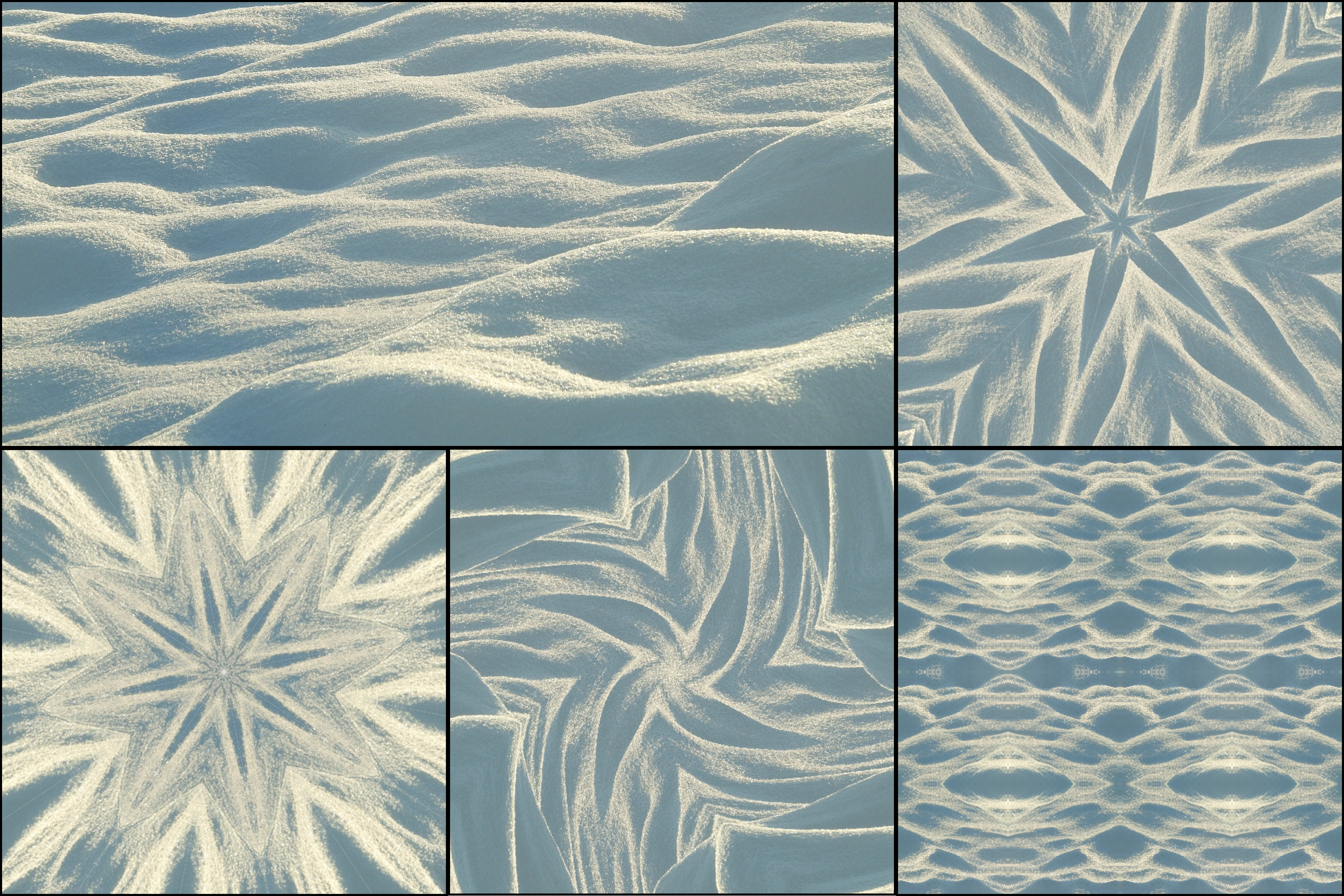
A kaleidoscope mandala is what you get when you apply radial symmetry to a photograph. The image is divided into segments and mirrored repeatedly around a center point — the same science of kaleidoscope symmetry that makes all kaleidoscope art work — creating a circular, flower-like composition. The result can look like traditional mandala art, geometric design, or something entirely new depending on your source image.
KaleidoMaker lets you create kaleidoscope mandalas directly in your browser, free, with no software to install.
What makes a good mandala source image
Not all photos create equally strong mandalas. The best results come from images with a clear central subject or radial symmetry already present — flowers, circular architecture, or overhead food shots. Images with rich color contrast work especially well, where different areas of the photo are distinctly different in tone or hue — see tips for best kaleidoscope photos for a full breakdown of what makes strong source material. Close-up and macro photography also tend to create stunning mandalas because textures and details get exaggerated by the mirroring.
Avoid flat, uniform images. The more visual variation in the source, the more interesting the mandala.
Step-by-step: creating your mandala
Start by uploading your photo in KaleidoMaker. Select Fan pattern mode, which creates the classic radial kaleidoscope mandala style.
Set the slice count to between 8 and 16 for a mandala-like result. Lower counts (4–6) create more abstract geometric shapes. Higher counts (16–24) create highly intricate, detailed compositions closer to traditional mandalas.
Drag on the canvas to pan the source position. Small changes in where the center point falls can dramatically change the output. Spend time exploring — the most interesting compositions are often not the obvious ones.
Once you have a composition you like, use the Capture button to export a PNG image. Image exports are watermark-free for all users.
Circle canvas mode
For the most traditional mandala look, set the canvas shape to Circle before exporting. This gives you a perfectly circular mandala with no rectangular edges — ideal for prints, profile pictures, or meditation visuals.
Ideas for your mandala
Kaleidoscope mandalas work well as phone or desktop wallpapers, poster prints, social media art posts, profile pictures, and coloring book outlines when using high-contrast black and white sources.
The difference between a kaleidoscope and a mandala
A traditional mandala is hand-designed with intentional geometric precision. A kaleidoscope mandala is generated from a real photograph using mirror symmetry. The source material introduces natural texture and organic imperfection that purely geometric mandalas lack — which is part of what makes them feel alive. Every photo produces a different mandala. The same photo at a different pan position produces another. The possibility space is essentially infinite.