April 2026 · 4 min read
Free Kaleidoscope Wallpaper Maker: Create Stunning Backgrounds Online
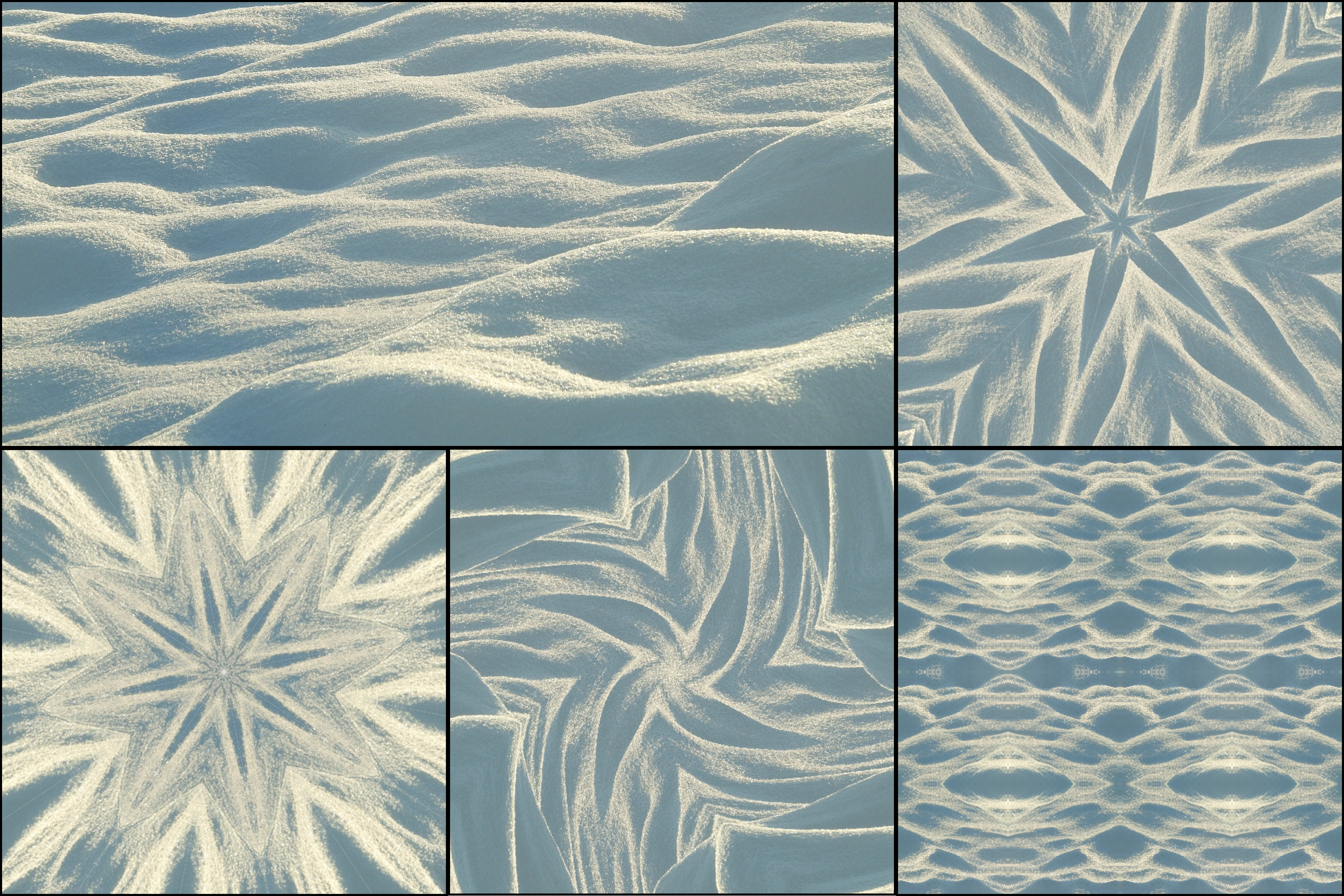
Kaleidoscope patterns make exceptional wallpapers. The radial symmetry, the depth of color, the visual variety — a kaleidoscope wallpaper made from your own photo is unlike anything you can download from a wallpaper site.
Why kaleidoscope wallpapers stand out
Most downloaded wallpapers are generic — landscapes, gradients, abstract patterns that thousands of other people use. A kaleidoscope made from your own photo is completely personal. A shot of your kitchen tiles, a flower from your garden, a fabric texture you photographed — any of these can become a unique wallpaper no one else has.
The symmetrical structure of kaleidoscope patterns also works particularly well as a background. The eye naturally moves toward the center, and the repeating geometry never feels cluttered even when sitting behind app icons and widgets.
Choosing the right image
For phone and desktop wallpapers, images with strong texture or color variation work best — the same principles covered in tips for best kaleidoscope photos apply directly here. Good options include close-up flower photography, colorful food overhead shots, fabric and textile textures, architectural details like tiled ceilings or patterned floors, and water reflections or abstract light photography.
Color matters most. Wallpapers with a coherent palette feel calming and cohesive. High-contrast, multi-color wallpapers feel energetic and bold. Choose based on the mood you want.
Creating your wallpaper in KaleidoMaker
Upload your image and try Fan pattern mode for a classic kaleidoscope mandala style wallpaper. Set the slice count between 8 and 16 for most wallpaper use cases.
For phone wallpapers, set the canvas to Square mode and export — most modern phones display square images well with minimal cropping. For desktop backgrounds, the same square export scales well on widescreen displays.
Use Circle canvas mode if you want a circular mandala centered on a white background.
Pan the canvas source position to find the most balanced composition. The center point of the mandala will be the visual anchor of your wallpaper, so choose it carefully.
Getting the sharpest output
KaleidoMaker exports images at the resolution of your source — no downscaling is applied. For the sharpest result, use a high-resolution source image: a 12+ megapixel phone photo is ideal for any screen size.
Export as PNG for maximum quality, especially if your wallpaper contains fine geometric detail.
Finding unexpected source material
The best wallpapers come from unexpected places. Rather than searching for "good source images," photograph something in your immediate environment and drop it into the free kaleidoscope generator. A sheet of patterned gift wrap, a colorful blanket, a close-up of a houseplant — your surroundings contain more interesting source material than most stock photo libraries.