March 2026 · 4 min read
Free Kaleidoscope Generator: Create Kaleidoscope Patterns from Images
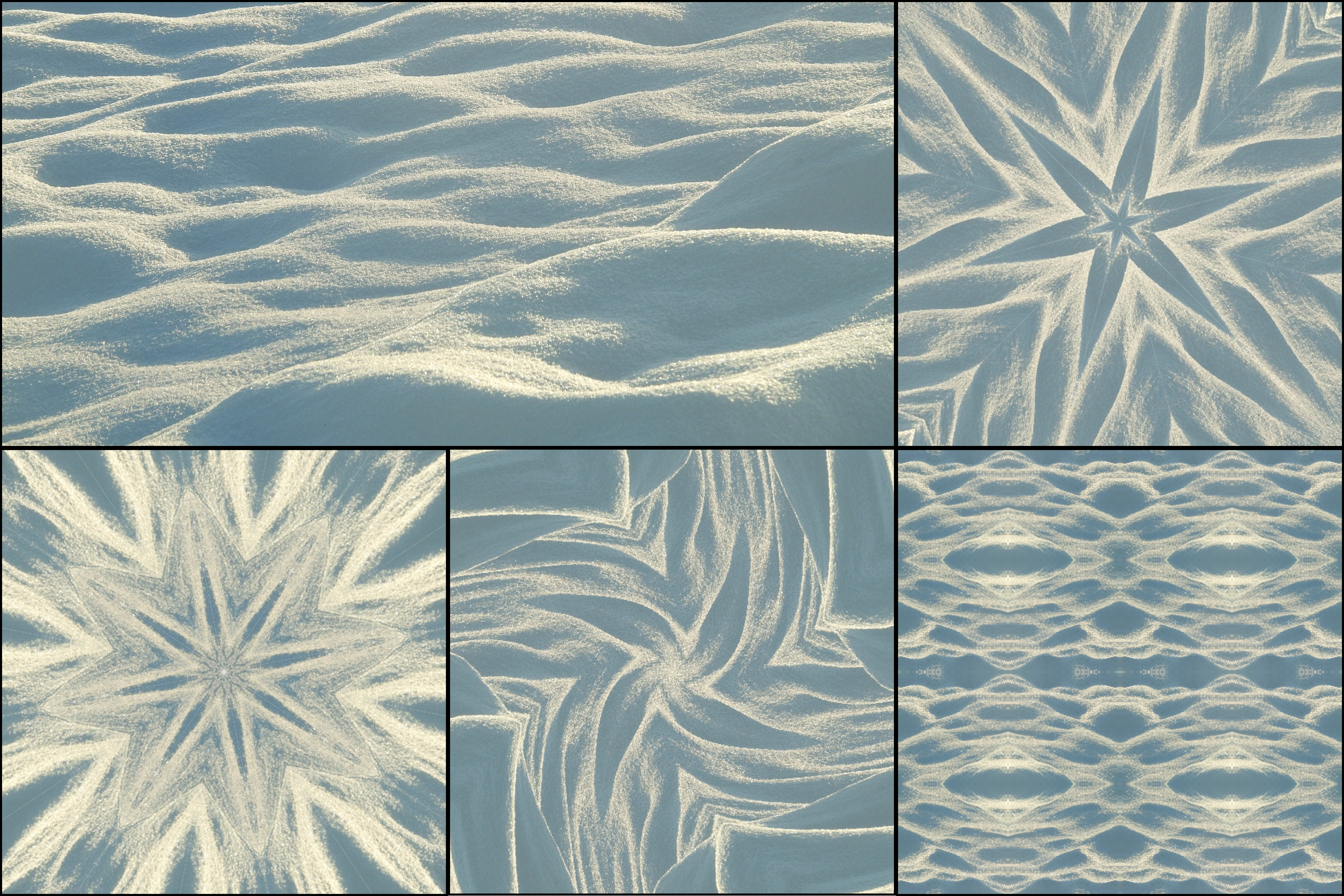
Looking for a free kaleidoscope generator? KaleidoMaker lets you turn ordinary images into beautiful kaleidoscope patterns and animations directly in your browser.
A kaleidoscope generator takes part of an image and repeats it around a center point using symmetry. The result can feel geometric, psychedelic, floral, or mandala-like depending on the source image and settings — see 10 beautiful kaleidoscope pattern examples for inspiration.
How to use a kaleidoscope generator
Start by uploading an image on desktop or mobile phone. Images with strong contrast, rich colors, and interesting textures usually create the best results — read the tips for best kaleidoscope photos for a detailed breakdown. Flowers, architecture, fabrics, reflections, and close-up photos are especially effective.
Then adjust the segment count and symmetry settings. Lower segment counts create bolder and simpler compositions, while higher segment counts create more detailed and intricate patterns.
Finally, preview the result and export your design. In KaleidoMaker, free users can export watermark-free images, while premium users can also export watermark-free videos in higher quality.
What kind of images work best
Photos with a clear subject, repeated shapes, or vivid colors usually produce the strongest kaleidoscope effect. If you are unsure where to start, try floral images, stained glass, patterned tiles, or colorful food photography.
Why use KaleidoMaker
KaleidoMaker works directly in the browser, so you do not need to install anything. On desktop, it is especially useful for turning uploaded images into static kaleidoscope artwork or animated visuals for design, social media, posters, and creative experiments.
On mobile phones, KaleidoMaker can also be used like a native app. You can open it in your browser, add it to your home screen, and use your phone's camera to feed real-world visuals directly into the kaleidoscope, allowing you to create live patterns from everyday scenes, lights, textures, and motion around you. Learn more about kaleidoscope camera mode on mobile.