March 2026 · 4 min read
Kaleidoscope Camera: Create Live Kaleidoscope Effects on Your Phone
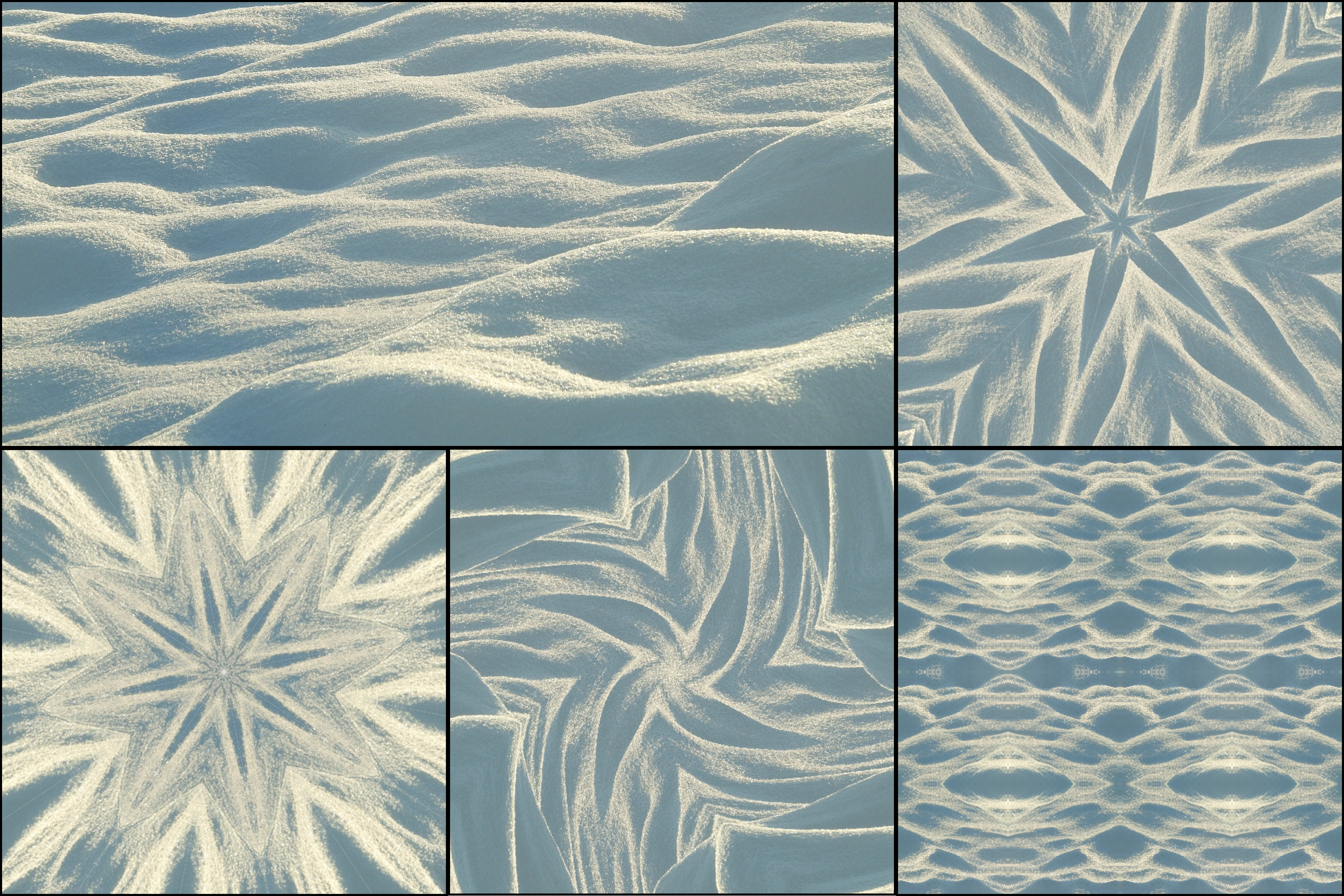
A kaleidoscope camera lets you turn live camera input into moving symmetrical visuals in real time. This is one of the most fun ways to use KaleidoMaker on a phone.
Instead of uploading a static image (as you would with the free kaleidoscope generator), mobile users can open the camera mode and point the phone at the world around them. Textures, lights, leaves, clothing, tiles, food, hands, and even small movements can become hypnotic kaleidoscope patterns instantly.
Why mobile camera mode is special
The live camera mode makes KaleidoMaker feel more playful and interactive. You are not just editing an image after the fact, you are exploring symmetry in real time. A slight movement of the phone can completely change the final pattern.
This makes mobile especially good for spontaneous creativity, quick visual experiments, and generating mesmerizing animations from everyday objects.
How to get the best results
Move the phone slowly rather than quickly. Rich textures and colorful surfaces usually work better than flat empty scenes — the same principles apply as in tips for best kaleidoscope photos. Try pointing the camera at flowers, fabric, printed materials, reflections, lights, or architectural details.
If the pattern looks too simple, try changing the scene instead of forcing the settings. The source input matters a lot in live kaleidoscope mode.
When to use desktop instead
Mobile devices are ideal for live exploration using the camera mode, where you can move the phone over textures, objects, and lights to discover kaleidoscope patterns in real time. Desktop is better when you already have a beautiful source image and want to upload it to create a polished kaleidoscope artwork or animation with more precise control — see how to turn any image into kaleidoscope art for that workflow.
If your laptop has a webcam, you can also use camera mode on desktop, it works the same way.